
 By
By
Portugal. The Man is actually an American rock band, not Portuguese. They rose to worldwide fame with "Feel It Still", a catchy, retro-inspired track from their album Woodstock. The song quickly became their biggest hit, topping Billboard’s Alternative charts and staying popular for years thanks to playlists and short-form videos. If you love this track and want to listen offline, here’s a simple way to get a Feel It Still MP3 free download for personal use.
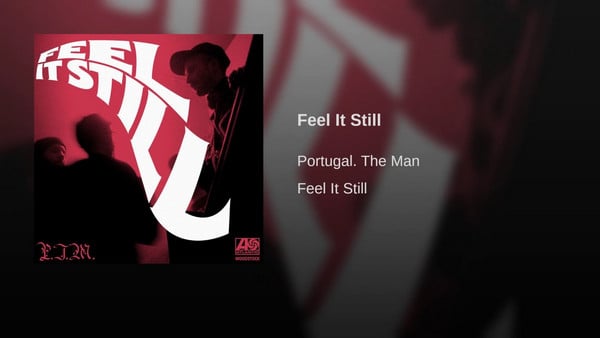
By now, Portugal. The Man's "Feel It Still" is available on iTunes as well as on the two leading streaming platforms – Spotify and Apple Music. If you want to download this hit using Spotify Free, there’s a catch: all Spotify songs are protected by DRM, which means you’re usually limited to listening online through the Spotify app.
To save "Feel It Still" for offline listening in MP3 format, you’ll first need to remove Spotify’s DRM protection. Here’s a step-by-step guide using the popular Spotify DRM removal tool "NoteBurner Spotify Music Converter" to help you download Portugal. The Man’s biggest hit quickly and easily.
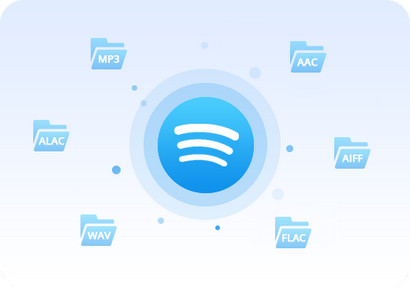
NoteBurner Spotify Music Converter is a professional Spotify music downloader specializing in removing the DRM from Spotify, converting and downloading Spotify songs to MP3/AAC/WAV/FLAC/AIFF/ALAC. See highlights below:

NoteBurner Spotify Music Converter supports both Windows and macOS. Here we will take the Windows version as an example. For Mac users, please refer to How to Download Music from Spotify to MP3 on Mac for detailed steps.
Step 1 Download, install and launch NoteBurner Spotify Music Converter
Step 2 Add "Feel It Still" to Spotify Music Converter
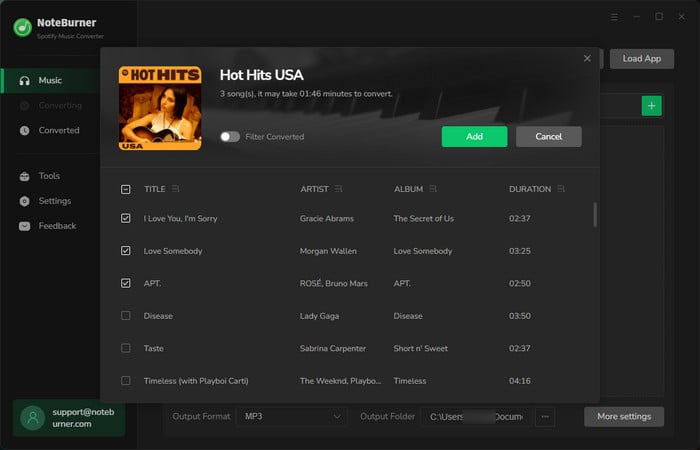
It's suggested to choose the "Spotify App" download mode if you're using the Windows version. Click button "+" or click the center of NoteBurner. There will be a pop-up window telling you what to do next. Copy and paste or drag and drop the song link of Portugal. The Man's "Feel It Still" from Spotify to NoteBurner.
Step 3 Choose MP3 as the Output Format
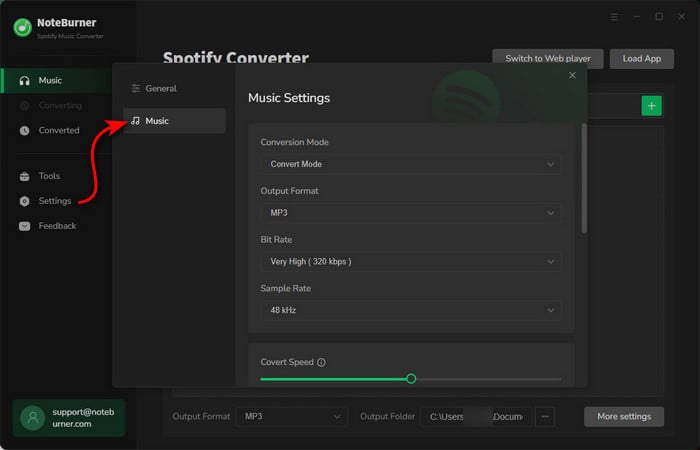
Click the gear button on the bottom left. Here you can choose output format (MP3/AAC/WAV/FLAC/AIFF/ALAC), output quality (320kbps, 256kbps, 192kbps, 128kbps) as well as the output path. Here we choose MP3 as the output format for the target song "Feel It Still".
Step 4 Download "Feel It Still" to MP3
Click button "Convert". When the conversion is done, Portugal. The Man's "Feel It Still" will have already been converted & downloaded in MP3 format and saved in the output path you set in previous step.
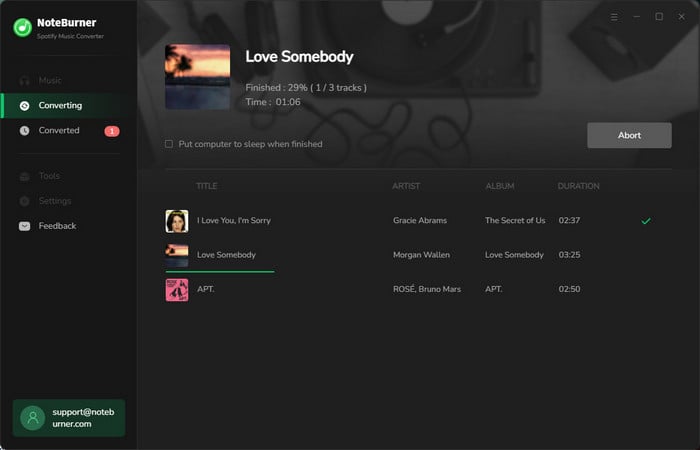
By clicking the "History" button (like a clock) on the upper right or directly going to the output folder you customized in Step 3, you will find the converted "Feel It Still" song downloaded in MP3 format.
In short, downloading Portugal. The Man’s "Feel It Still" for offline listening is easy with the right tool. Using NoteBurner Spotify Music Converter, you can quickly remove Spotify's limitations and save the song in high-quality MP3 format on your computer. Whether you’re on Windows or Mac, this method lets you enjoy Feel It Still offline anytime, without needing an internet connection or the Spotify app, making it a convenient solution for fans who want to keep their favorite tracks accessible anytime.
Note: The free trial version of NoteBurner Spotify Music Converter allows you to convert the first 1 minute of each song. You can buy the full version to unlock the limitation.



