Hot Products Recommendation
Over 802,050,030 Wonderful Users
 Spotify Music Converter
Spotify Music Converter
LEARN MORE
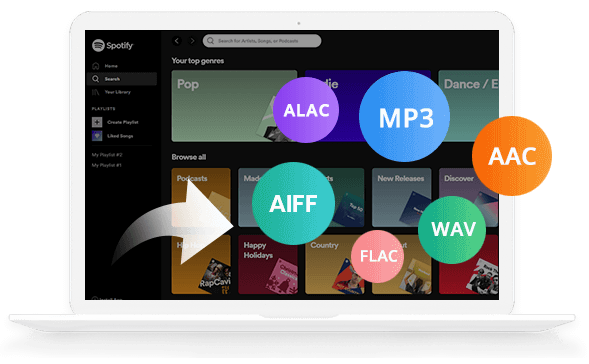
Most powerful Spotify music converter to download Spotify songs, podcasts and radios.
 NoteBurner Music One
All-In-One Music Converter
LEARN MORE
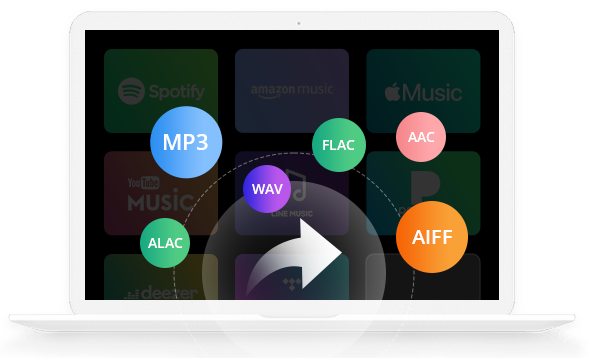
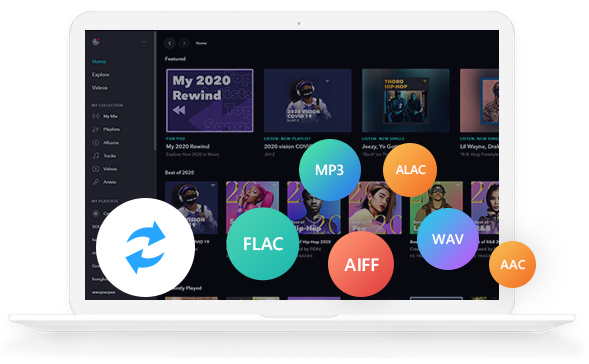
Download songs from Spotify, Amazon Music, Apple Music, Tidal, YouTube Music, Deezer, and so on.
 iTunes/Apple Music Converter
iTunes/Apple Music Converter
LEARN MORE
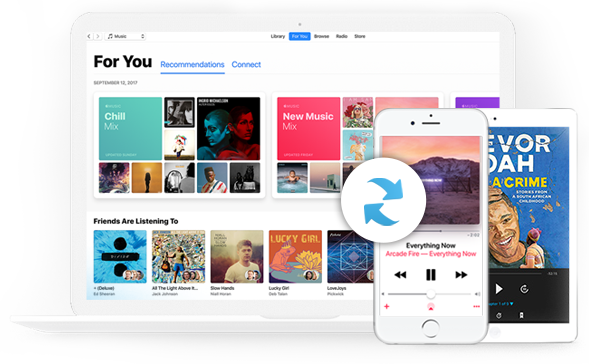
Most professional audio recorder to record any of your music from Apple Music, podcast, iTunes M4P music & audiobook.
 Amazon Music Recorder
Amazon Music Converter
LEARN MORE
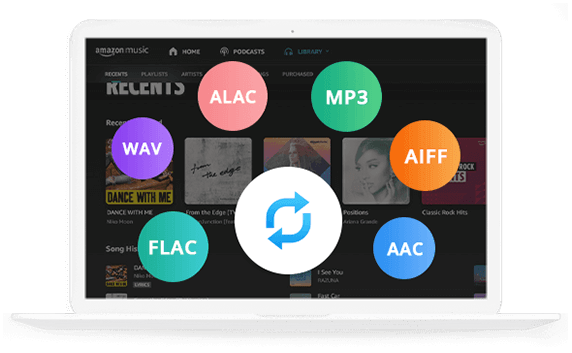
Download Amazon Music as MP3, AAC, WAV, AIFF, FLAC, or ALAC files at 10X faster speed.
 Tidal Music Converter
Tidal Music Converter
LEARN MORE
Convert Tidal Music at 10X speed with up to HiFi & Master Quality kept.
 YouTube Music Converter
YouTube Music Converter
LEARN MORE
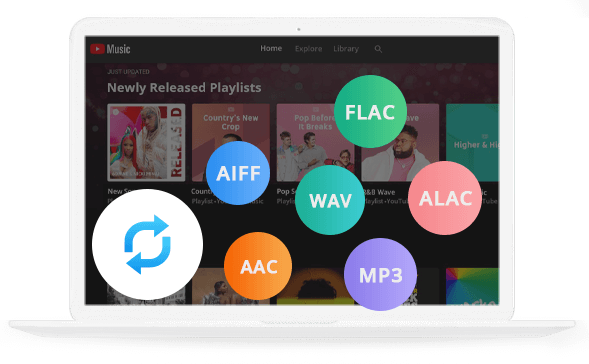
Convert YouTube Music to MP3, AAC, WAV, AIFF, FLAC, or ALAC files at 10X speed.
 Netflix Video Downloader
Netflix Video Downloader
LEARN MORE
Quickly save your favorite Netflix movies or TV shows in HD quality with Dolby Atmos.
 Amazon Video Downloader
Amazon Video Downloader
LEARN MORE
Download and save any content from Amazon Prime Video on computers and watch them offline anytime.
 YouTube Video Downloader
YouTube Video Downloader
LEARN MORE
Help you download video and music from YouTube for free of charge.
"NoteBurner Spotify Music Converter is a very simple app that allows you to record any of songs as MP3 or AAC and save them on local storage."
 MONEY-BACK GUARANTEE
We provide Money Back Guarantee policy on all programs.
MONEY-BACK GUARANTEE
We provide Money Back Guarantee policy on all programs.
 100% SECURE
All software is virus & plugin free. All transactions are protected by SSL.
100% SECURE
All software is virus & plugin free. All transactions are protected by SSL.
 TRUSTED BY MILLIONS
Successfully help millions of users solve all related problems.
TRUSTED BY MILLIONS
Successfully help millions of users solve all related problems.
 TECHNICAL SUPPORT
Email help within 24 hours & Keep up to date & Free upgrade.
TECHNICAL SUPPORT
Email help within 24 hours & Keep up to date & Free upgrade.